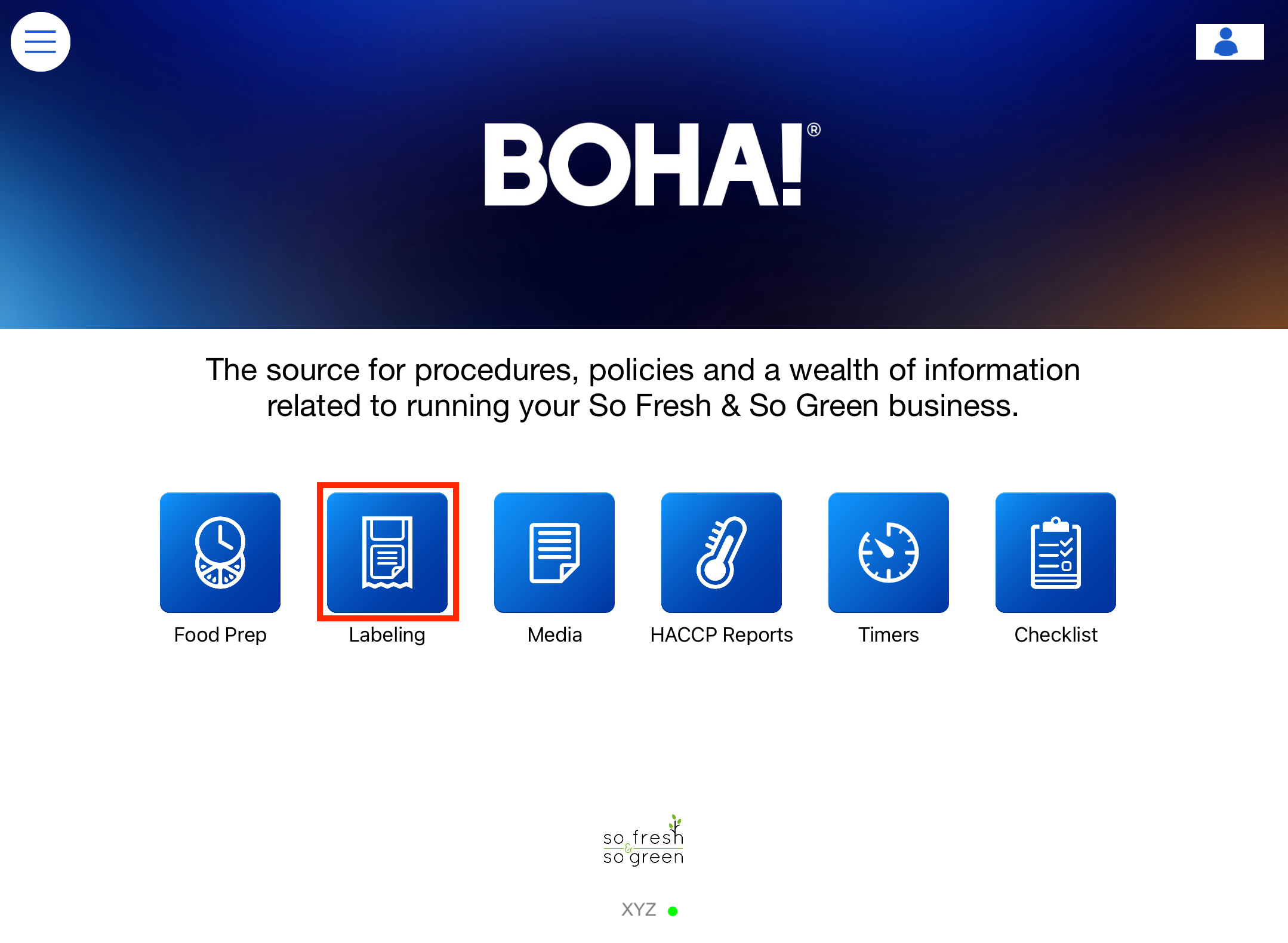
- Select the BOHA! Ops icon to get started.

- Select Labeling.
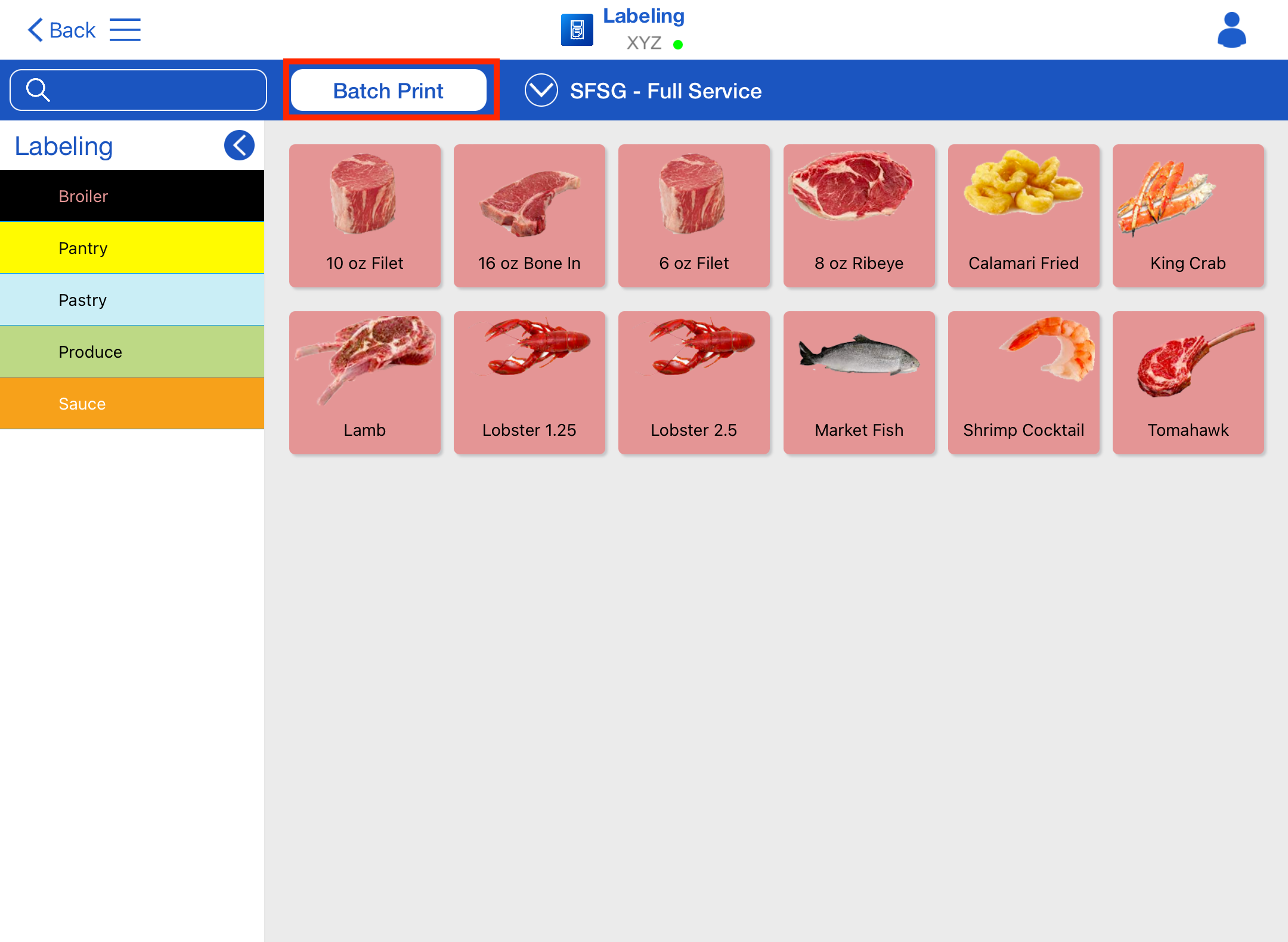
- Select Batch Print button.
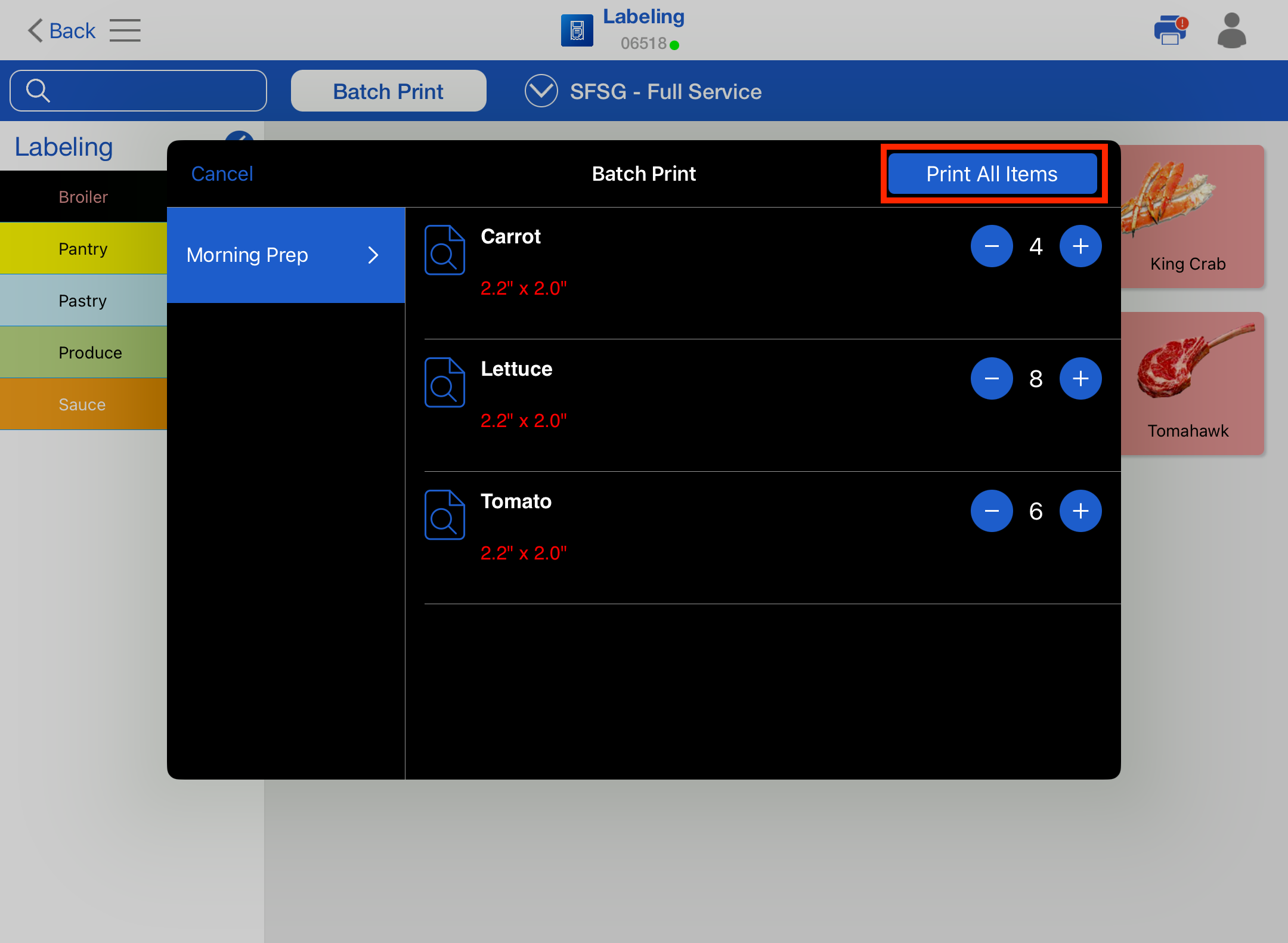
- For each Menu Item in the Batch Print Lists, use the + and – symbol to adjust the quantity, and then simply press the Print All Items button to perform the Batch Print.