How to View Associated Media
- Select the BOHA! Ops icon to get started.
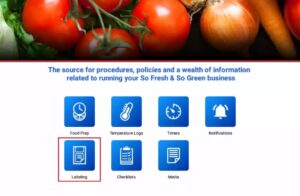
- Select the Labeling Icon to view your Menu Data.
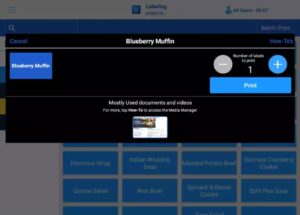
- Press and hold on a Menu Item that contains Associated Media.
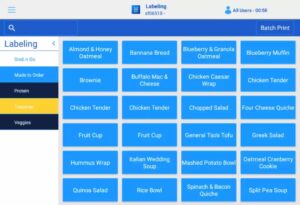
- Under Mostly Used documents and videos, you will see the Associated Media for the Menu Item (i.e. Training Guides, Recipe Cards, Prep Videos, etc.). Under Mostly Used documents and videos, press the appropriate document or video to view it.
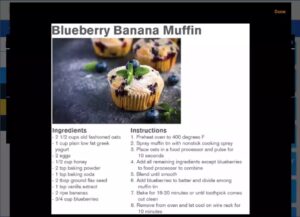
- The appropriate document or video will then show up on the screen. When finished, to exit, press Done in the upper right hand corner of the screen.