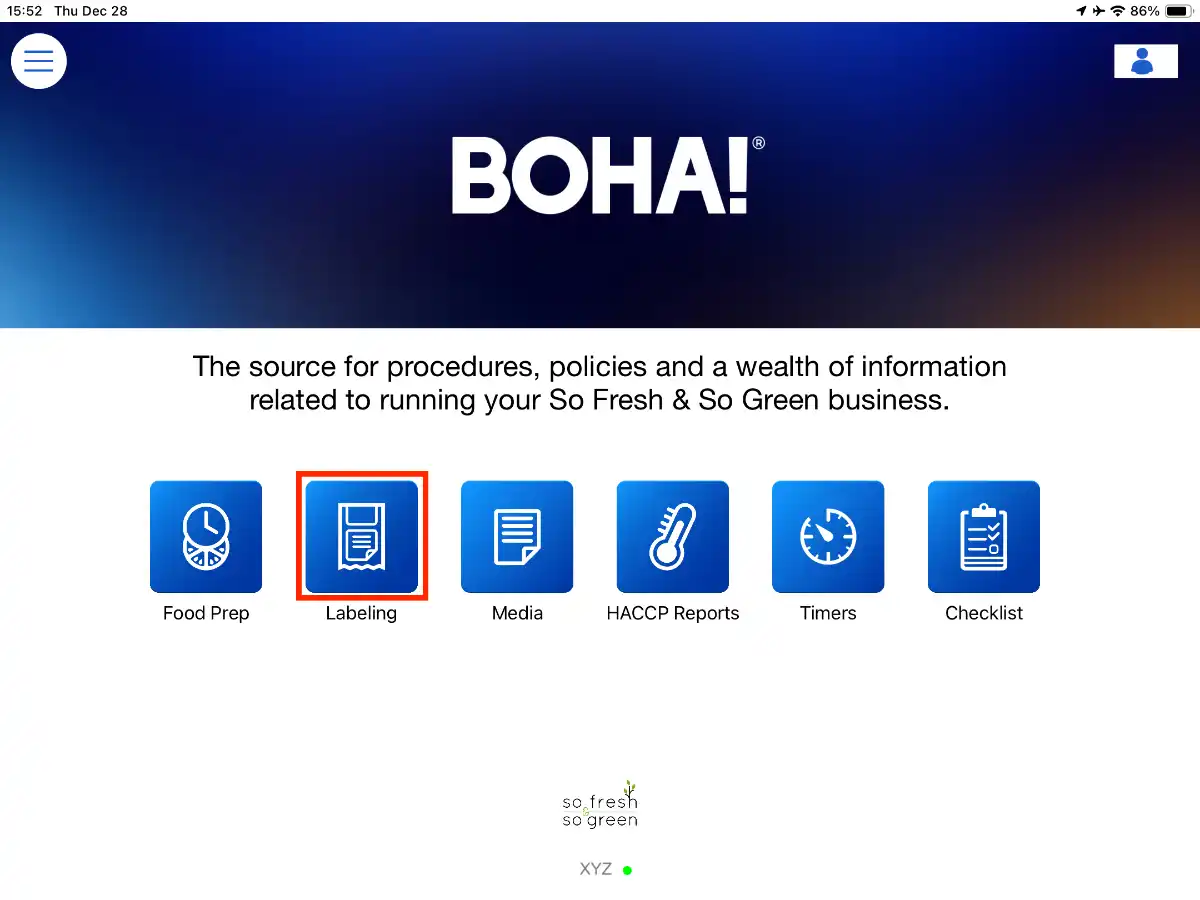
1. Select the BOHA! Ops app to get started.
2. Select Labeling.
3. Press and hold the Menu Item that you would like to reprint.
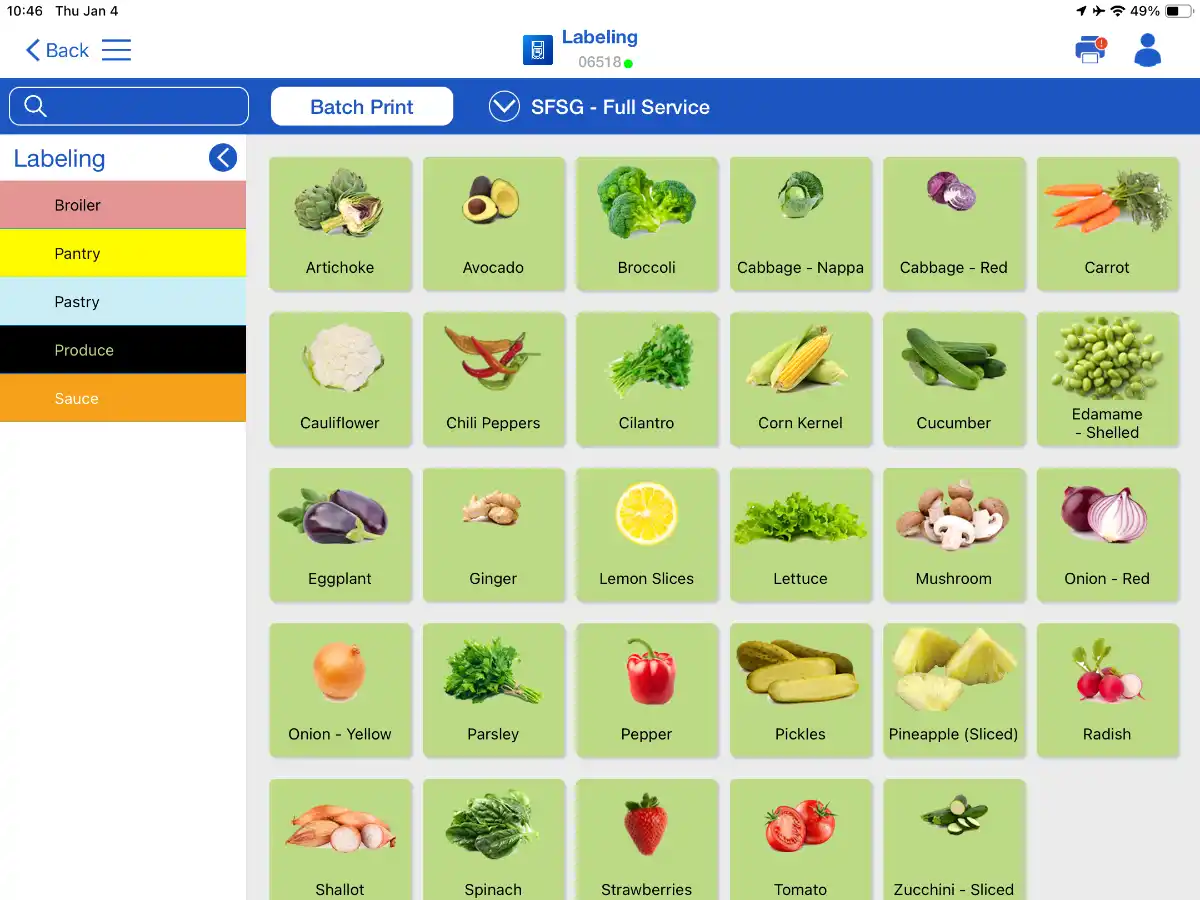
Note: Reprint only works on Menu Items that you have printed previously.
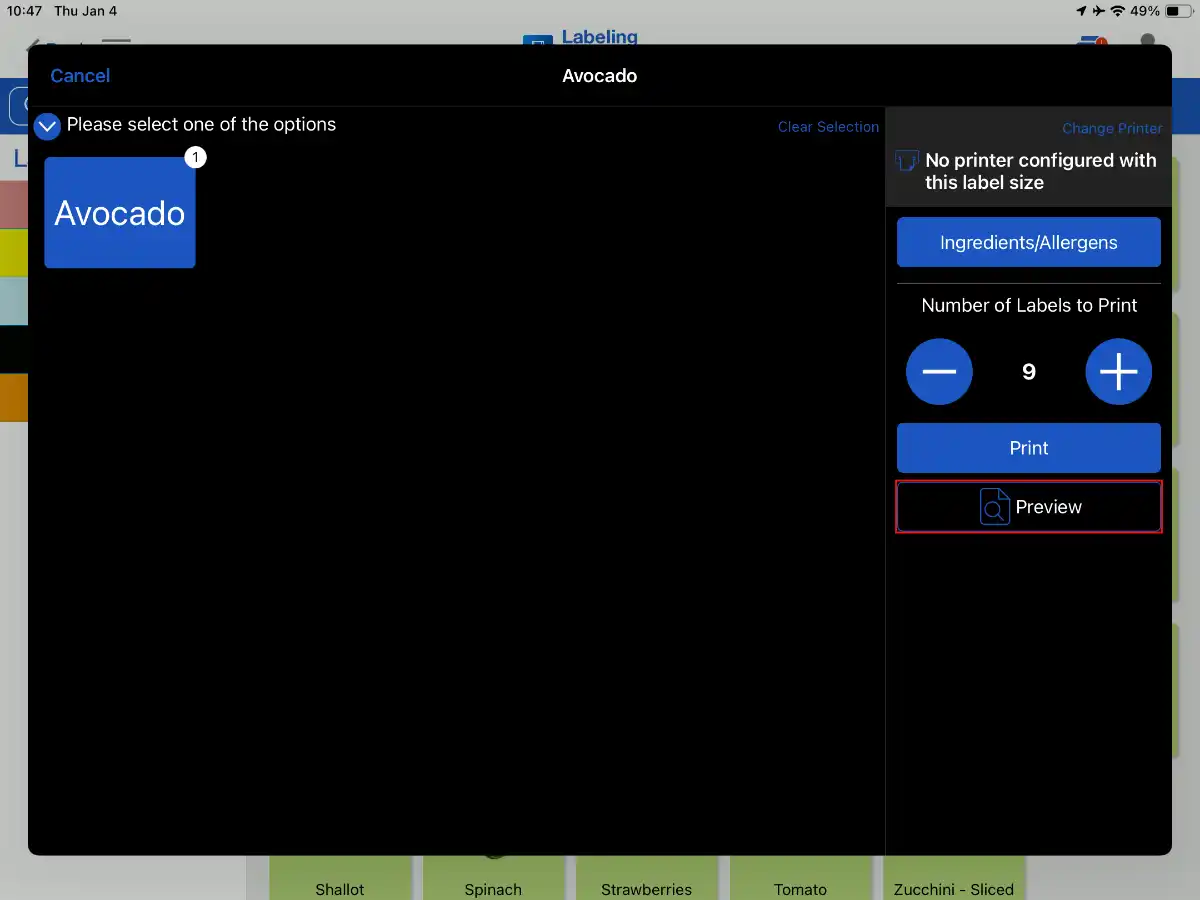
4. Press and hold the Preview button.
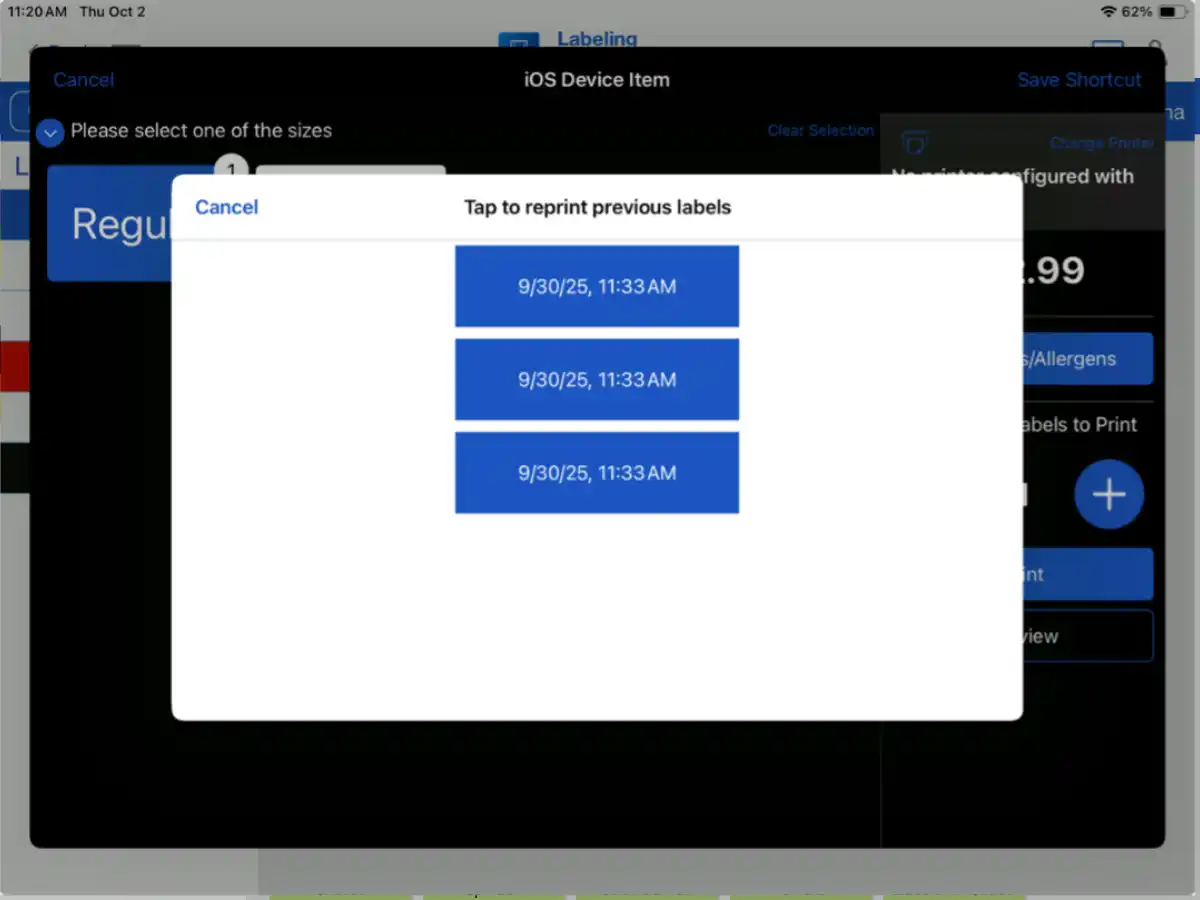
5. Select the appropriate day and time from the available options to reprint the label.