Follow these steps to modify the Equipment shown in the BOHA! app. Please note, you must be signed in with the Master Code to make changes.
To enable or disable Equipment:
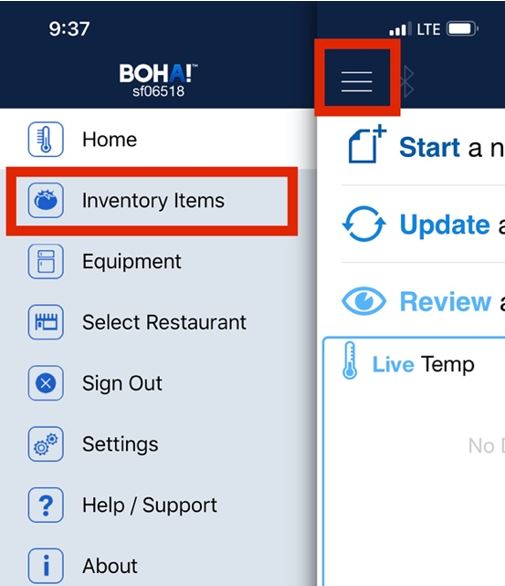
Select Inventory Items from the Menu
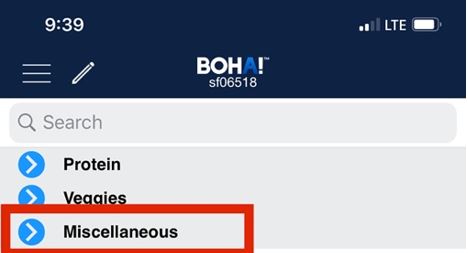
Expand the Miscellaneous Category
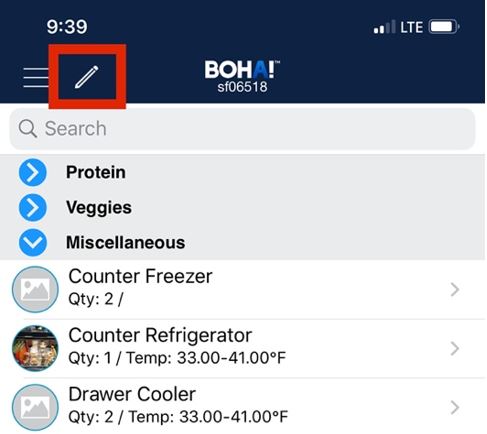
Select the Pencil in the main header
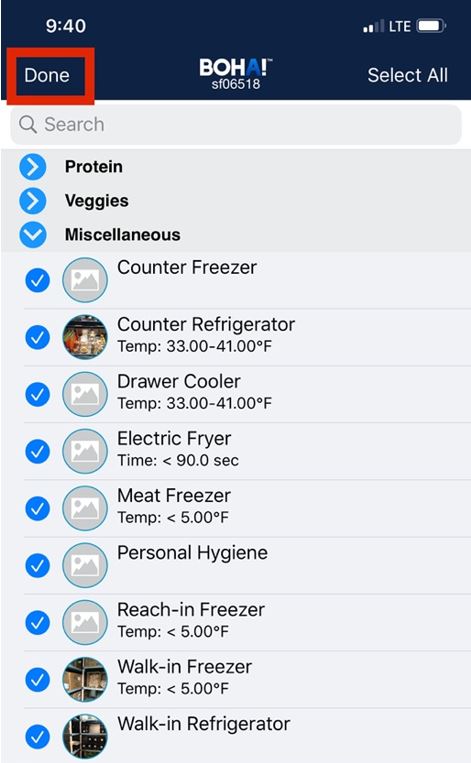
Select or Deselect a piece of equipment based on your needs
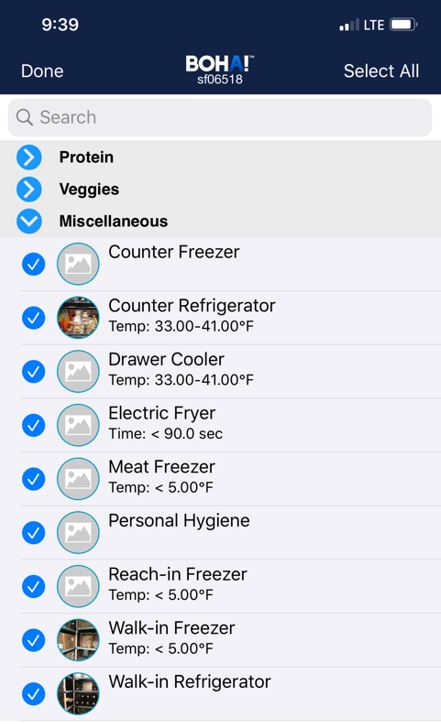
Select Done when complete
If you have multiple pieces of the same equipment, you can add units
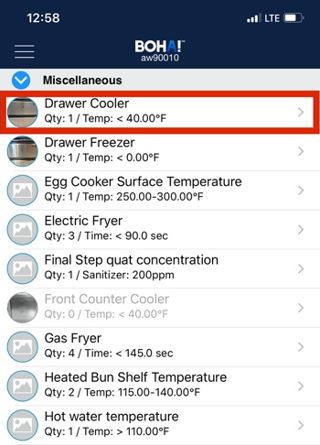
Select the equipment you have multiples of:
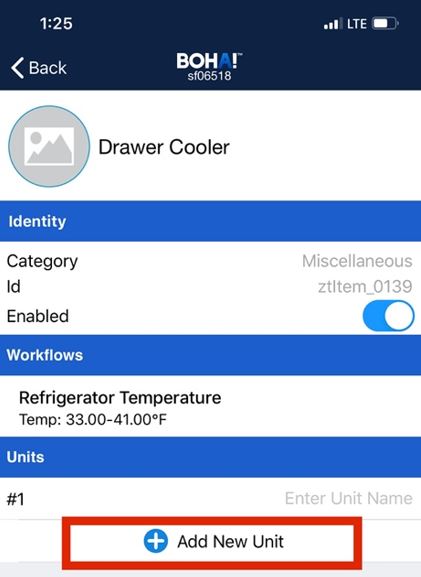
Select Add New Unit
Enter the Unit Name. The name of Equipment will appear in your Equipment list as shown below.
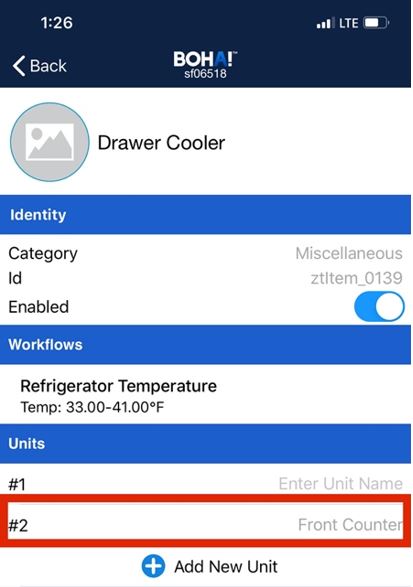
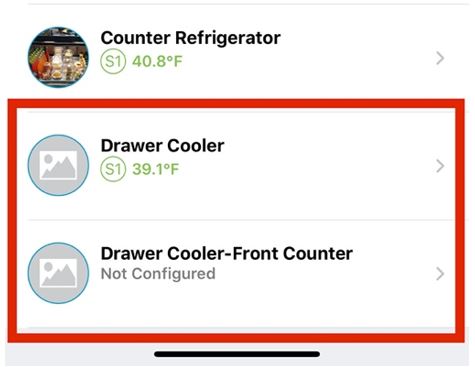
(Equipment List)
Select Back when done

You’ve successfully modified your equipment list! To view the changes, navigate to the Equipment section (Menu>Equipment)