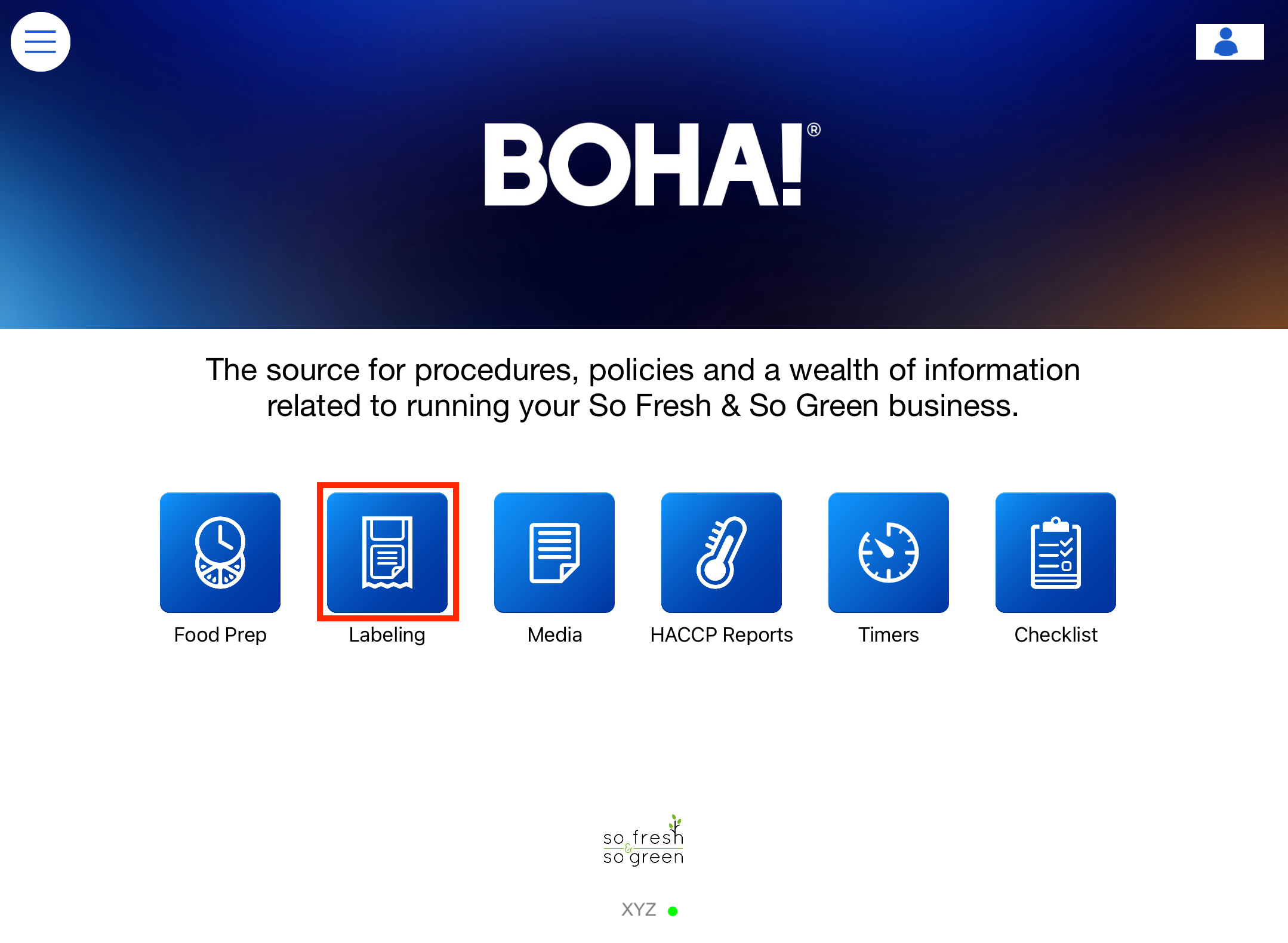
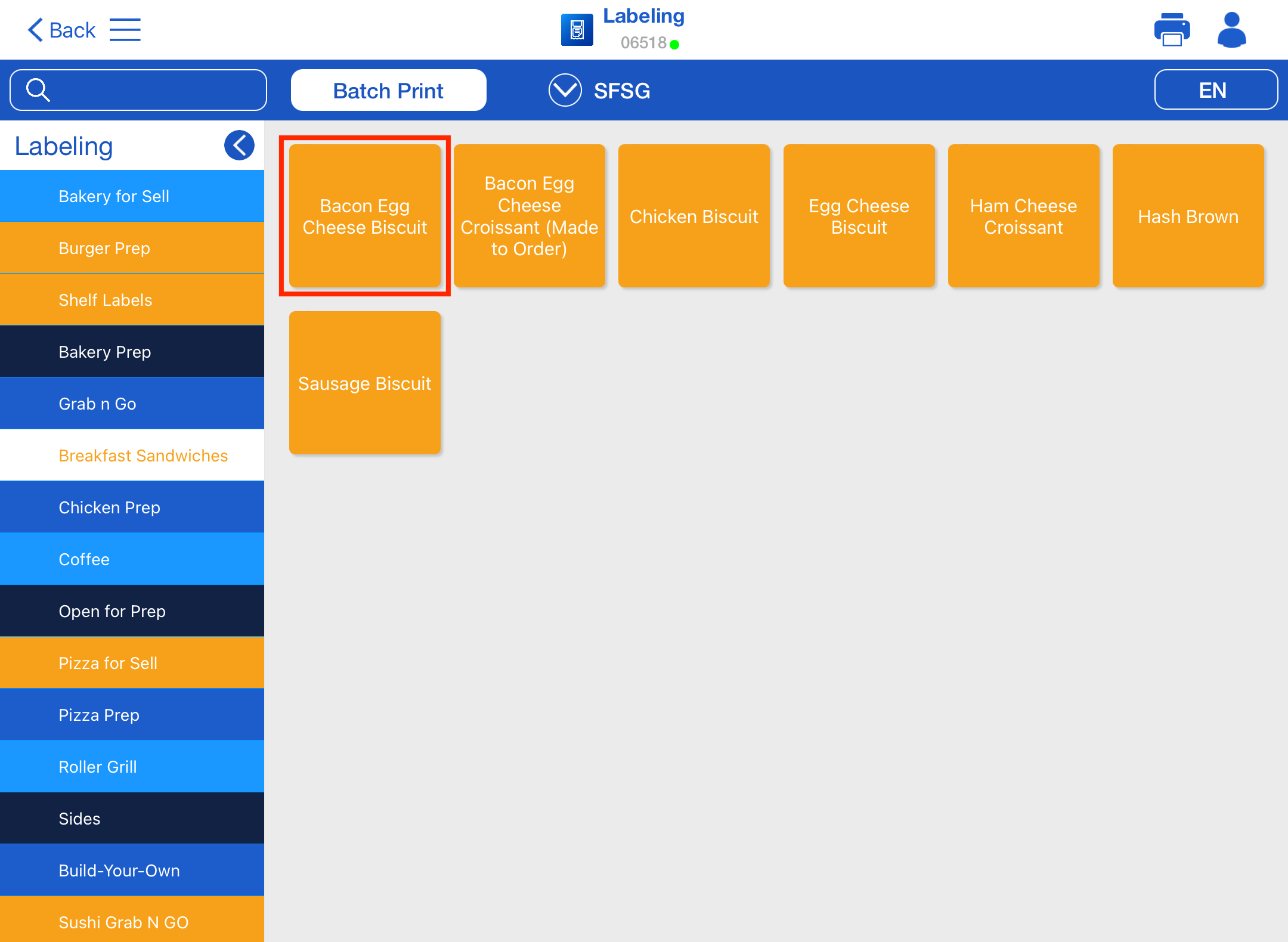
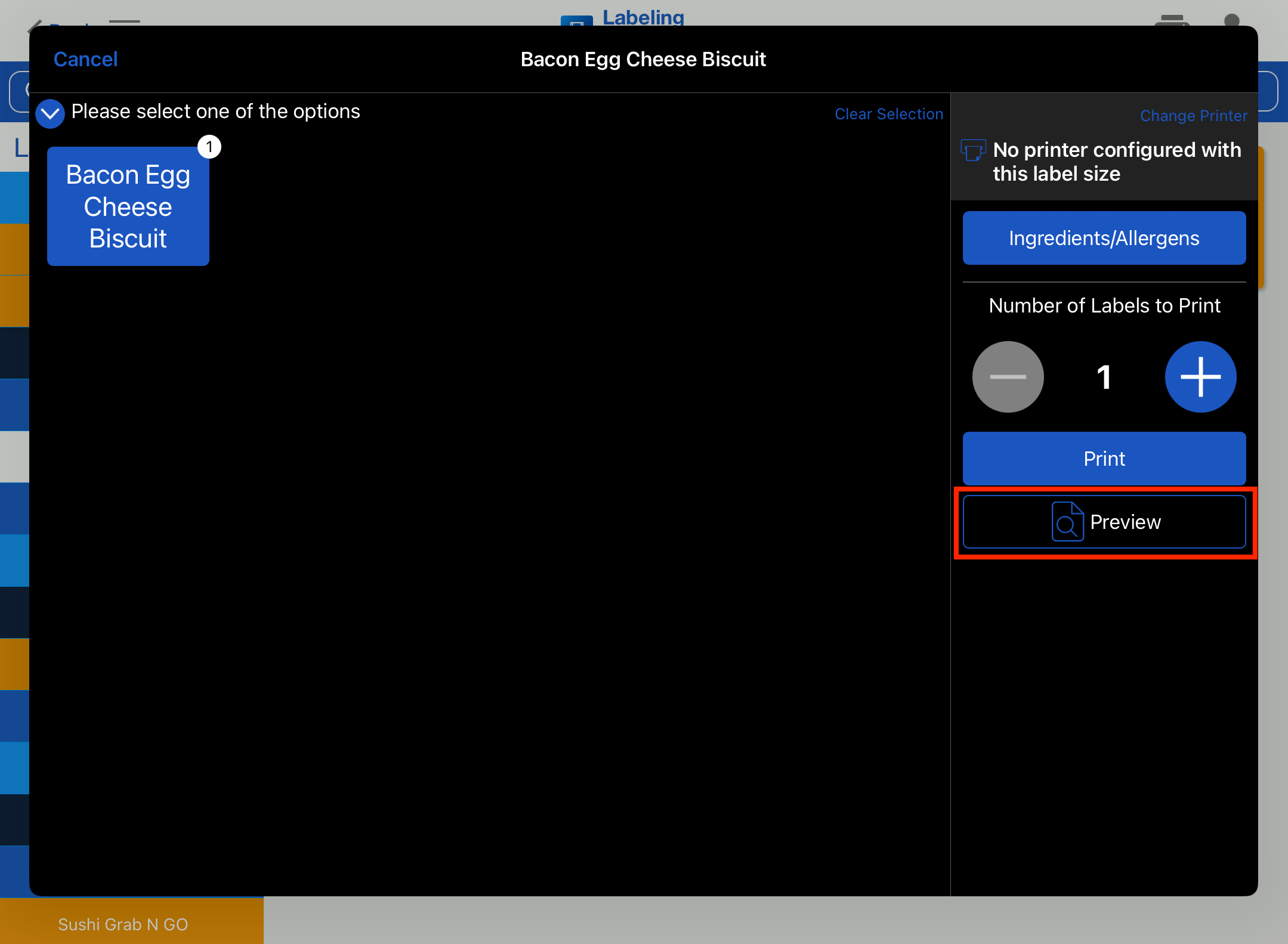
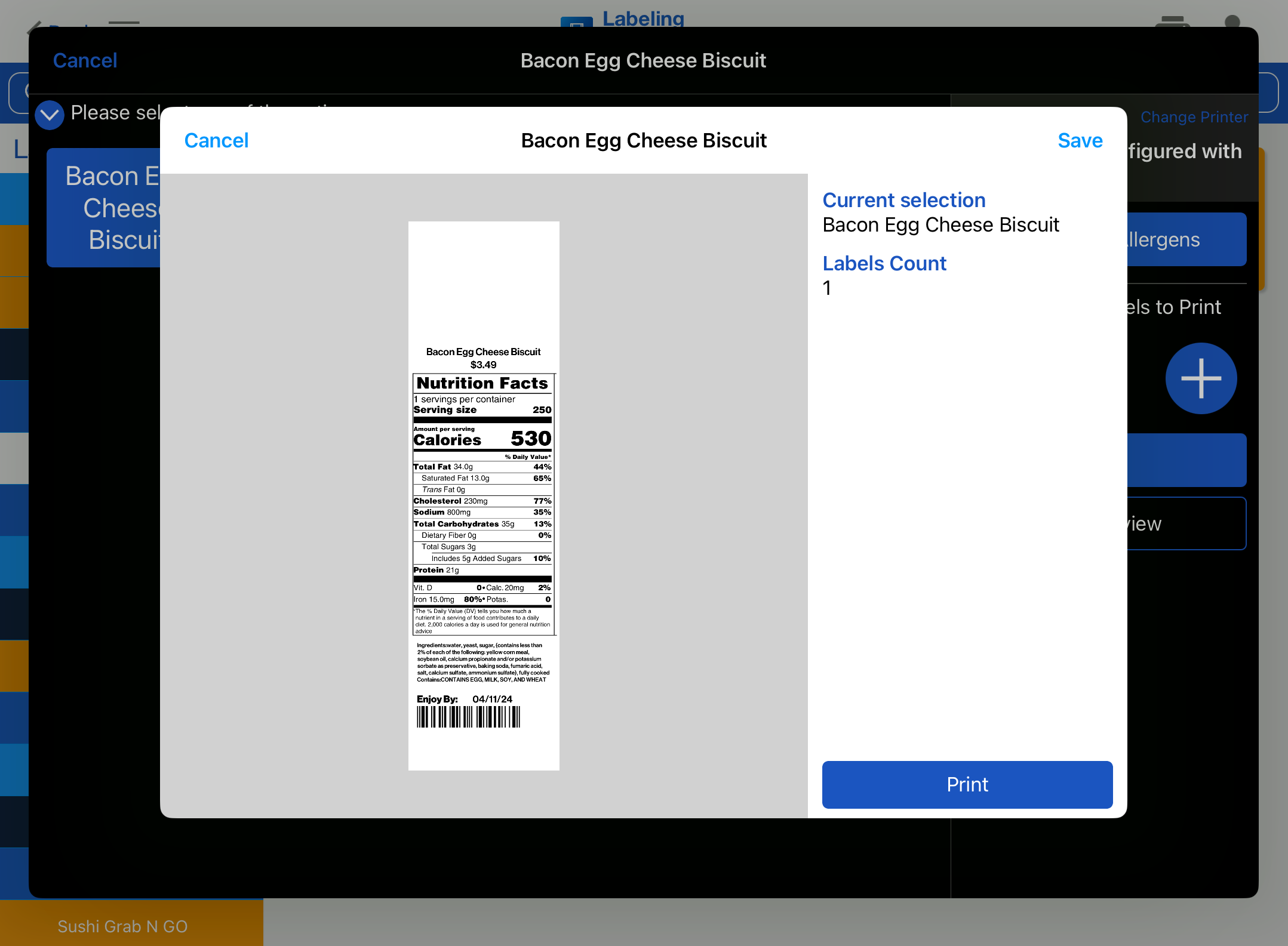
How to Preview a Label Select the BOHA! Ops app to get started. Select the Labeling. Press and hold the Menu Item that you would like to preview a label for. Press Preview button. Preview of the label for the selected Menu Item will be displayed.